Key facts
- ChatGPT Atlas is a web browser built by OpenAI that integrates its chatbot directly into browsing.
- It launched on 21st October 2025 for macOS, with plans for Windows, iOS, and Android.
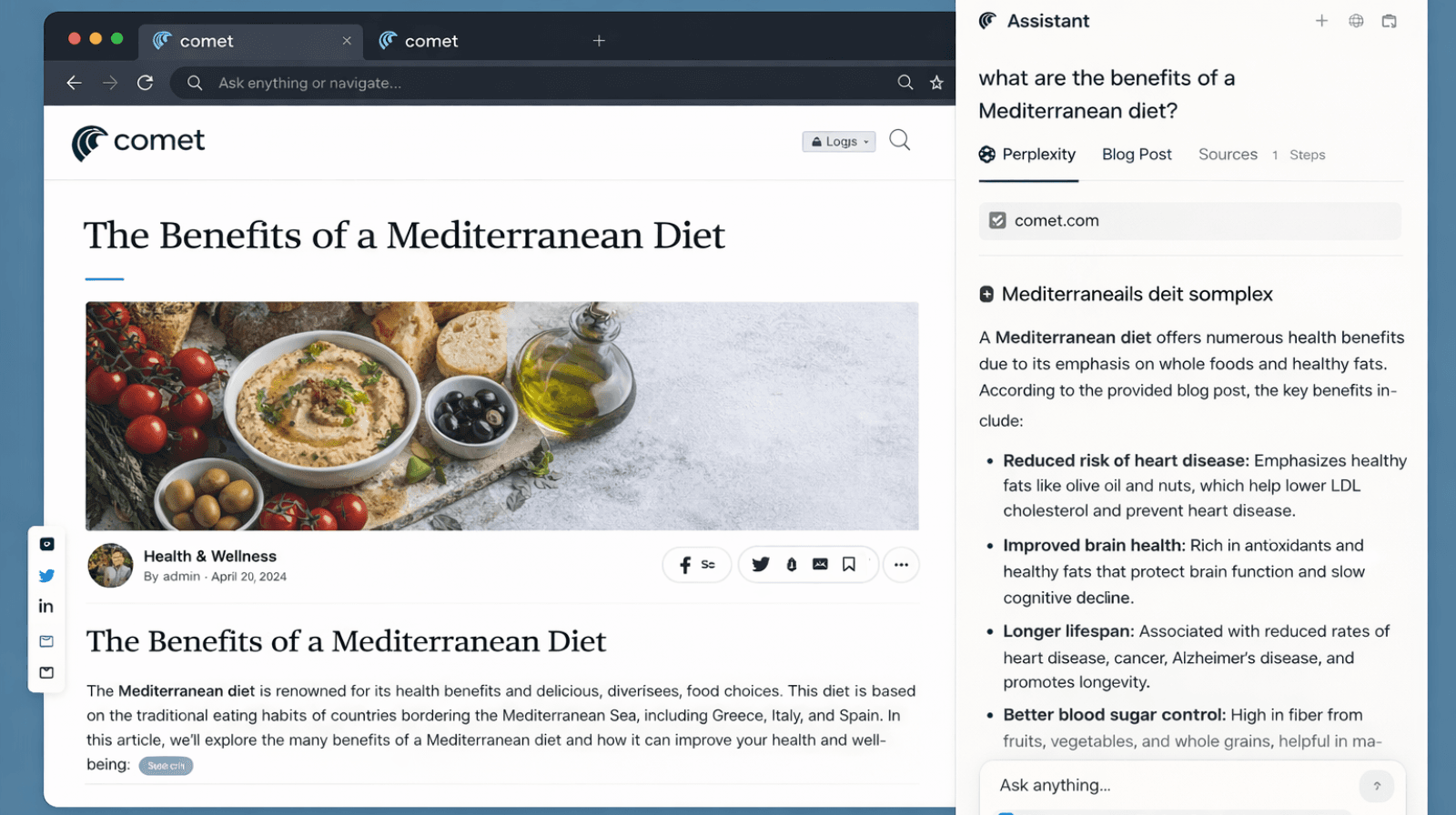
- Built-in ChatGPT sidebar to ask questions, summarize web pages, compare content or products, and analyze data on the fly.
- Agent Mode (for paid users) lets ChatGPT perform tasks for you, like navigating pages, filling forms, or handling multi-step workflows automatically.
- Atlas feels post-search because it blends AI and browsing, letting you ask, act, and move forward without bouncing between tabs.
Most of us still use the internet the way we did years ago. We open a browser, type a few words, and hope the right link shows up. It works, but it also feels slow and a little outdated.
Atlas flips that experience on its head. It feels like the browser finally caught up with how our brains work. You ask something the way you would ask a friend. It reads what you are looking at, fills in the missing pieces, and gets you to the answer without all the wandering.
That is why so many people see Atlas as a glimpse of what comes after traditional search. It changes how we explore ideas and get things done online.
So, let’s break down what exactly is this Atlas and the five reasons it feels like the future.
What is ChatGPT Atlas?
ChatGPT Atlas is a browser built by OpenAI that feels less like a tool and more like a guide sitting beside you as you explore the internet. Instead of acting like a traditional search window, it uses AI to understand what you want, follow your train of thought, and help you move through information with far less effort.
You can ask questions, summarize pages, compare things, or break down content without leaving the tab you’re on.
It shows the web the way you need it in the moment, which is why people say it feels like the beginning of a new style of browsing.
5 reasons Atlas feels like a glimpse into the post-search internet
Atlas stands out because it feels like a tool built for the reality we live in today, where attention is limited and speed matters.
These reasons show why people see it as a preview of what comes after traditional search.
1. It actually understands the point you’re trying to make
You know those moments when you type half a lyric into Google, hoping it magically knows which song is stuck in your head… and it absolutely does not? Yeah, that.
Atlas is the opposite. It gets the idea you’re reaching for, even when the words come out messy, rushed, or nowhere near accurate. You don’t have to polish a query or think like a search engine. You just type what’s on your mind, and Atlas figures out the meaning behind it without making you work for it.
2. It follows your trail instead of resetting every time
With Google, you bounce between tabs so often that you lose track of what you were actually trying to do. One switch leads to another, and by the time you come back, the original thought is gone.
With Atlas, this doesn't happen. It keeps your thread intact, remembers the direction you were heading, and shapes each follow-up around that same path.
You stay connected to your own thinking instead of rebuilding it every time you switch windows.
3. It lets you question the content you’re reading in real time
Normally, when something on a page feels biased, confusing, or just a little off, you have to open a new tab and dig for clarity. Atlas doesn't let you leave the page at all.
You can ask it to explain, challenge, or sanity-check what you’re seeing, and it gives you a clearer perspective instantly. It’s like having a built-in second opinion that keeps you grounded while you browse.
4. It turns casual browsing into actual progress
Atlas can now even handle the small tasks you normally save for later, like cleaning up messy notes or pulling out important lines from a long article. The way it does this is by:
- Rewriting rough paragraphs into something clearer
- Pulling key stats or quotes without manual scrolling
- Turning heavy, jargon-filled text into plain language
- Organizing scattered info into simple bullet points
Now you don’t need three different apps just to make use of what you found online.
5. It filters out clutter so you only deal with what matters
When you Google something, the first thing you see is a row of ads pretending to be real answers. Then you scroll past more sponsored blocks before you finally reach something useful. It’s a whole obstacle course.
If you use Atlas, that headache disappears. It cuts straight to the meaningful stuff and skips the noise that usually slows you down. You get the information you actually wanted without fighting through distractions.
How to make your content “Atlas-ready” today
Using Atlas feels less like learning a new tool and more like realizing how tiring regular browsing has been all along. It cuts the extra steps, keeps your thinking intact, and helps you reach answers without the usual maze.
As the future shifts toward AI browsing, the brands that win will be the ones people can actually find in AI-native environments, such as Atlas.
If you’re a brand trying to understand how Atlas works and how you can stand out in this new landscape, let a content marketing agency help. WrittenlyHub can position your content so you’re the first result someone sees when they look you up on Atlas.
Want help getting discovered on Atlas? Let’s talk
FAQs on ChatGPT Atlas
Is ChatGPT Atlas good?
Yes. It feels smoother than traditional browsing because it understands intent, keeps context, and reduces the usual back-and-forth of searching.
What is the future of ChatGPT?
ChatGPT is moving toward being more interactive, more capable, and more integrated into everyday tools like browsers, apps, and workflows.
Is ChatGPT Atlas free?
Atlas is free to download, but some features may work best when paired with a ChatGPT Plus subscription.
Is the ChatGPT Atlas based on Chromium?
Yes. Atlas is built on Chromium, which means it works like a familiar browser while adding AI on top.