Key facts:
- Perplexity launched Comet on July 9, 2025 as an AI-powered browser.
- Initially desktop only (Windows/macOS); mobile version is not widely available yet.
- Free access rolled out globally in October 2025 after earlier restricted rollout.
- Unsafe fake mobile apps exist (especially iOS); official mobile releases are still pending.
- Comet is built on Chromium, so it supports most Chrome extensions.
- Comet receives updates weekly, so features may evolve rapidly.
Every few years, a new browser comes along that genuinely shifts how we work online.
Comet is shaping up to be that kind of release. It keeps everything you already know about browsing intact, while making everyday tasks feel lighter and more streamlined.
Getting it installed early means you get time to ease into its rhythm before it becomes the default choice for many others.
Now that you have a sense of why Comet is gaining attention, let’s walk through the quickest way to get it up and running on your desktop.
Desktop installation (Windows/macOS)
Since the desktop release is where Comet is fully functional right now, it’s the best place to start exploring what the browser can do. The installation process is straightforward on both Windows and macOS.
Step 1: Get the download
- Go to the official site: perplexity.ai/comet.
- Click the download button and choose your OS.
Step 2: Install
- On Windows: Run the installer and follow prompts.
- On macOS: Drag the Comet icon into the Applications folder.
Step 3: First-time setup
When you launch Comet for the first time:
- It may prompt you to import bookmarks, history, and passwords from your previous browser.
- You’ll be asked to set Comet as your default browser.
- On Windows this is via Settings ➜ Apps ➜ Default Apps ➜ Web Browser.
- Mac: System Settings ➜ General ➜ Default web browser.
Step 4: Configure key features
- Review Settings ➜ Privacy to check ad-block, tracker controls.
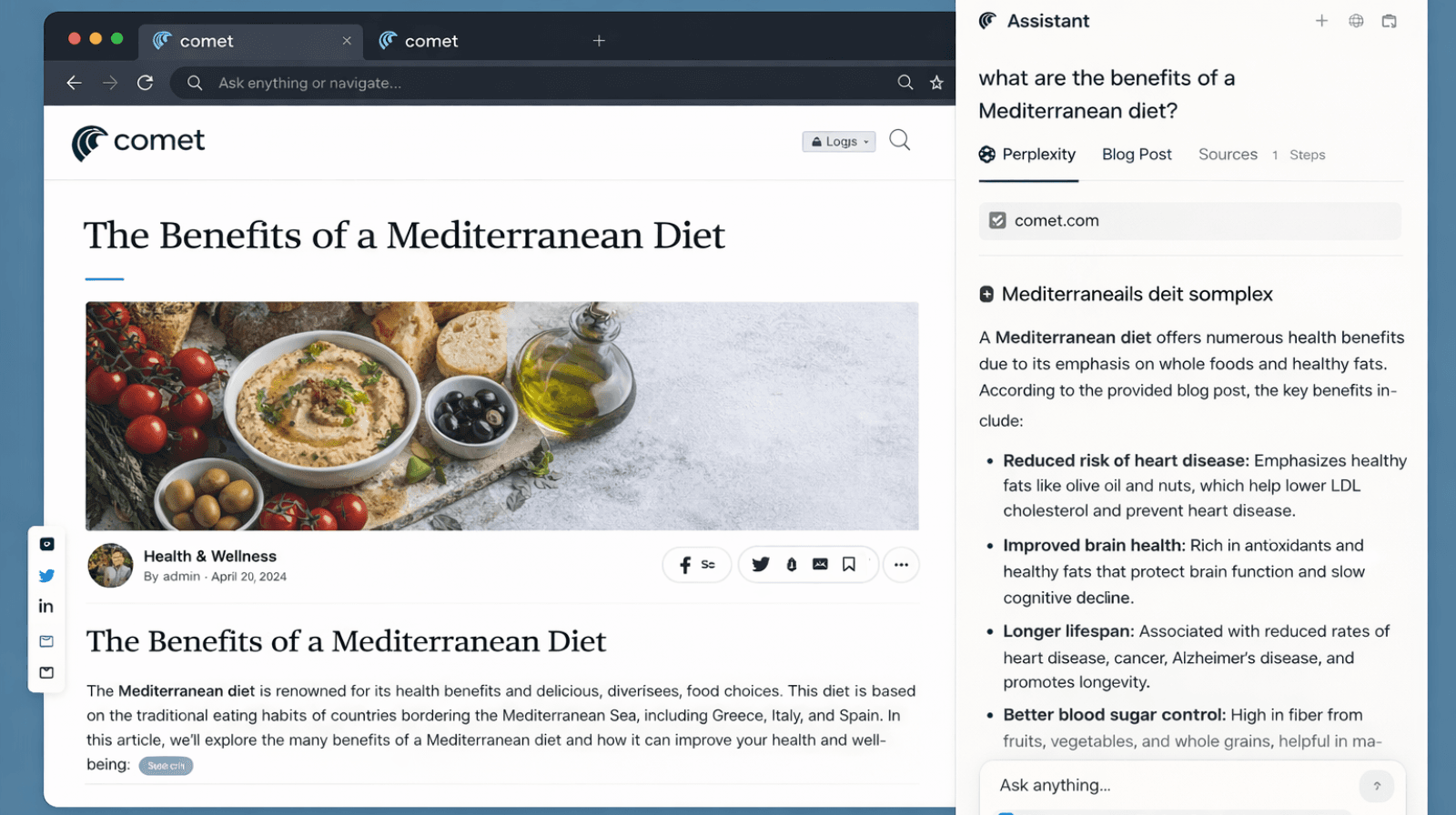
- Familiarize yourself with “Ask” or “Summarize” buttons in Comet - these are the AI features.
Mobile setup (Android / iOS)
Mobile access to Comet is still developing, with rollouts happening region by region. Before you download anything, it’s important to understand the current availability on Android and iOS.
Current status
- The Android listing exists but indicates “coming soon”.
- The official iOS release is not live; beware of fraudulent versions.
What you can do now
- On Android: Visit Google Play, search for “Comet by Perplexity” and check if it’s available in your region (US/India). If available, install and sign in.
- On iOS: Wait for official launch. Do not install any version that is not endorsed by Perplexity.
- If a mobile version is unavailable in your region, you can still install on desktop now and sign up for updates/waitlists for mobile release.
Post-install tips for marketers
With Comet set up, you can begin using it to streamline research and decision-making. These practical tips will help marketers get the most out of the browser from day one.
- Use Comet to speed up keyword discovery, SERP analysis, and competitor benchmarking with fewer tabs and less manual searching.
- Make Comet your default browser during strategy and planning sessions to access built-in prompts and contextual suggestions as you browse.
- Add it to your content workflow: summarise articles, compare sources side by side, group research tabs, and extract insights faster.
- Rely on its integrated AI features to break down dense reports, create quick briefs, or validate assumptions before stakeholder discussions.
Comet’s availability by market
Comet’s rollout isn’t uniform across countries, so here’s a quick look at what to expect in different regions.
- In India, mobile availability may be delayed due to app-store approvals; continue using desktop.
- In the US/UK, availability is broader but still confirms version authenticity.
- In UAE or other regions, check regional app-store listings and any local restrictions.
Making the most of Comet
Setting up Comet today puts you in the small group of users who understand its potential before it becomes mainstream. That familiarity builds over time and naturally shapes how you research, plan, and create.
As mobile access expands, you’ll already know how to integrate the browser into your workflow with confidence.
If you’re looking to amplify that head start, WrittenlyHub can help you turn it into meaningful visibility.
FAQs about Perplexity Comet
Q1: Is Comet free to download?
Yes, it became freely available worldwide in October 2025.
Q2: Can I import data from Chrome/Edge?
Yes, you can import bookmarks, history, and passwords.
Q3: Is Comet available on iOS now?
No, the iOS version isn’t officially released yet; avoid unofficial apps.
Q4: Does Comet support extensions like Chrome?
Yes, as a Chromium-based browser it supports most Chrome extensions.